Rotate Meals
Meal planning · iPhone & iPad
What are we eating this week?
Rotate Meals turns the meals your household already likes into a weekly dinner plan — and the grocery list to match. Less deciding, not more recipes.
The nightly question
You already know what your household eats. The hard part is deciding.
Most weeks, dinner isn't a cooking problem — it's a deciding problem. Remember what everyone actually eats, pick something for each night, keep it varied enough, then rebuild the same grocery list you wrote last week.
Rotate Meals keeps those dependable meals in one place and does the assembling for you. There's no recipe feed to browse and nothing new to discover — just your own rotation, planned and ready to shop.
How it works
Three steps to a decided week
Build your rotation
Add the meals your household already eats — once. Include ingredients with quantities and units, how many days each meal serves, and any weekday preferences.
Generate the week
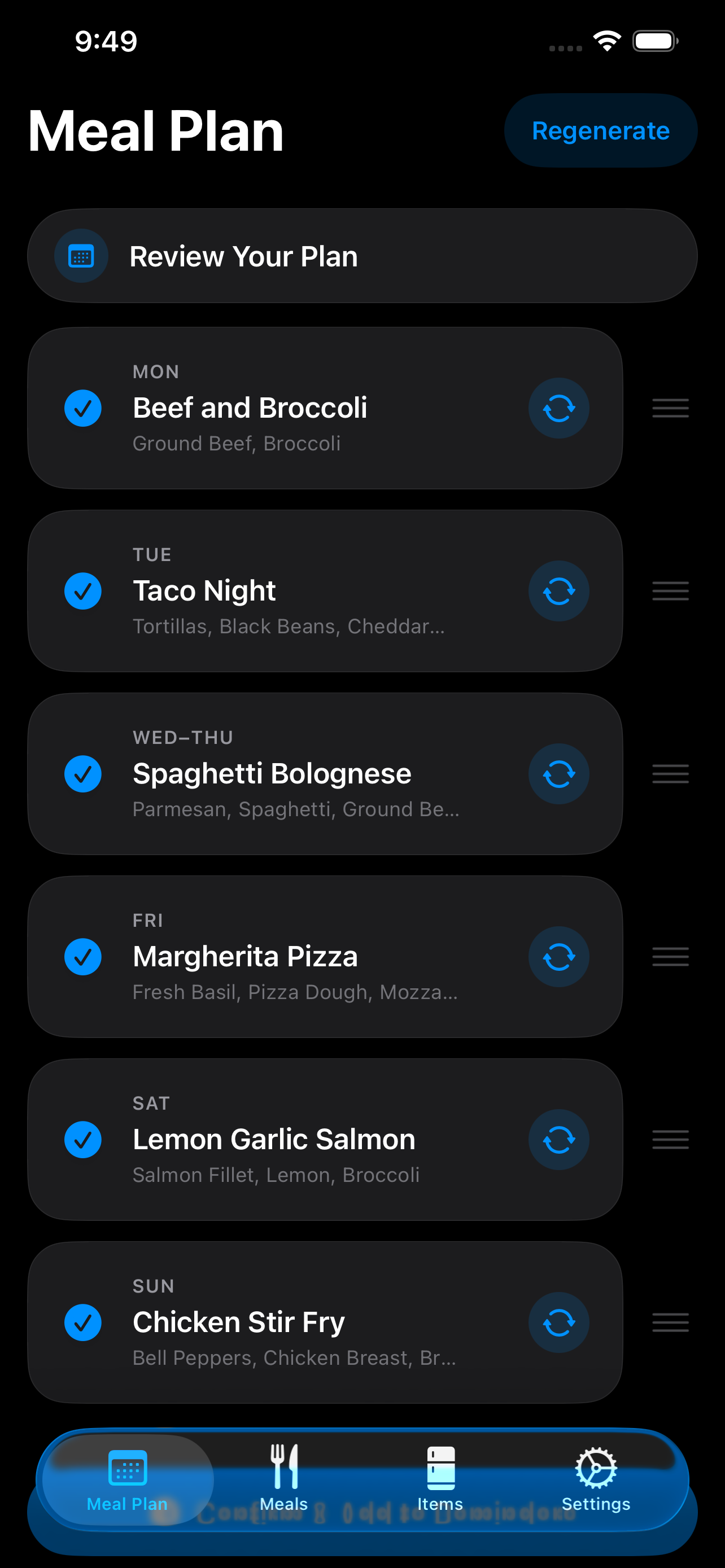
Rotate Meals builds a one- or two-week plan from your library, deprioritizing recently planned meals so familiar dinners stay in motion.
Shop from the plan
Confirm the plan and send the ingredients you need to Apple Reminders. Staples and items you already have stay off the list.
Our point of view
A smaller set of meals isn't a flaw. It's a feature.
Real households run on rotation — the eight or ten meals everyone reliably eats. Rotate Meals doesn't ask you to cook like a chef or collect recipes you'll never make. It keeps your trusted meals in motion with enough variety that the week stays interesting, and it does the deciding for you.
Features
Built for the way households actually eat
Plan around real life
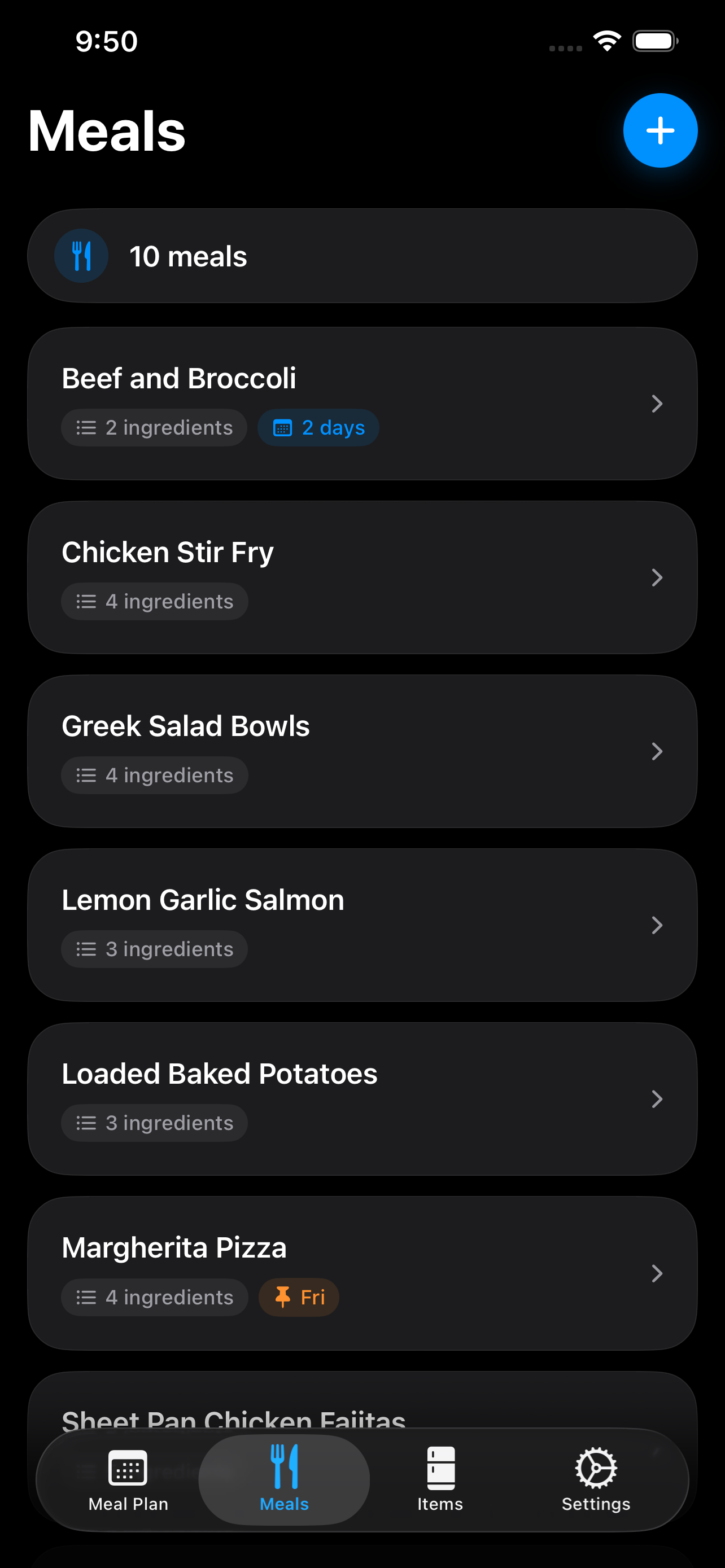
Your meal library holds the details that make a plan realistic — which night is pizza night, how long a pot of bolognese lasts, and what goes into every meal.
Pin meals to preferred weekdays
Set how many days a meal serves
Generate one- or two-week plans
Swap meals and reorder before confirming
Turn the plan into a useful grocery list
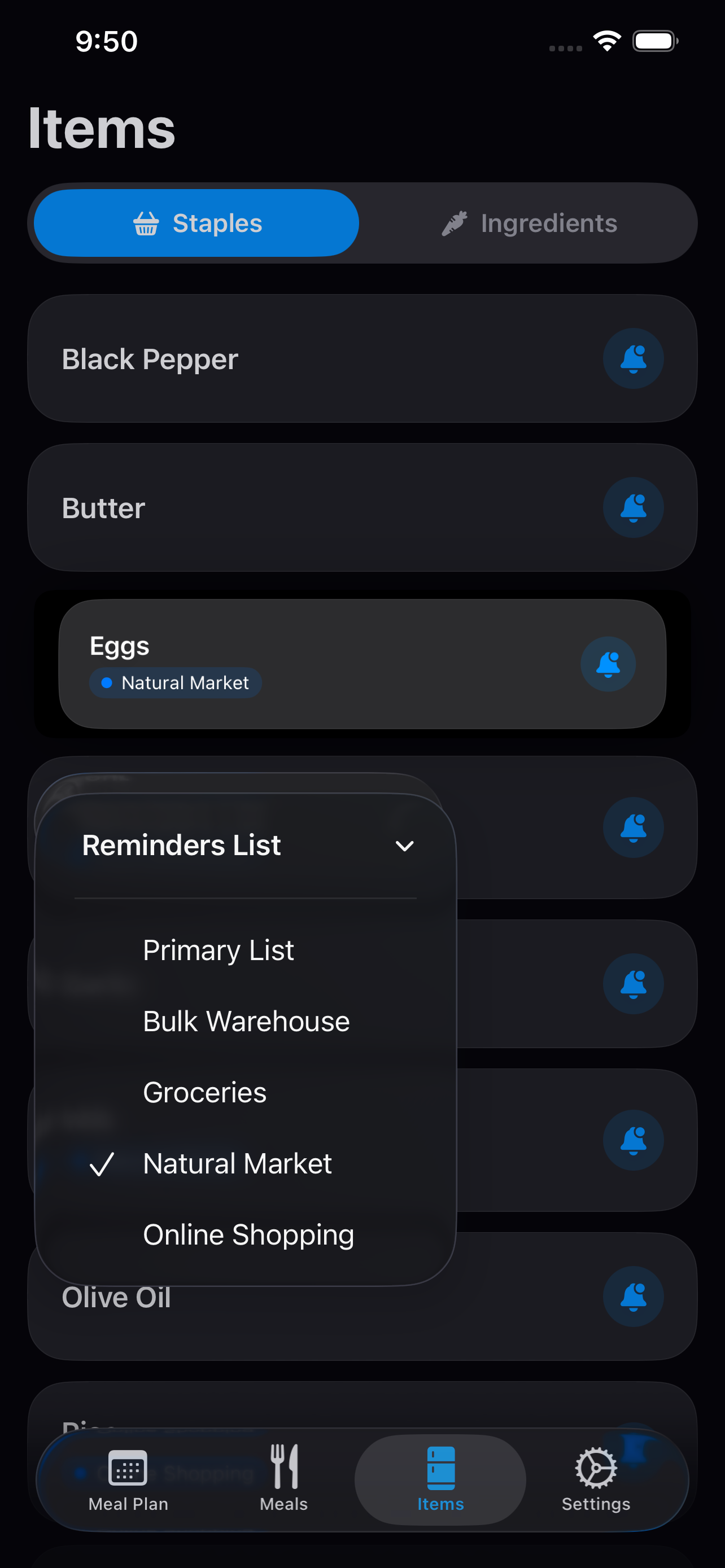
When a plan looks right, confirm it — and the ingredients you need become a shopping list in Apple Reminders, ready for the store.
Ingredients with quantities and units
Staples and on-hand items stay off the list
Route items to different Reminders lists
Ownership
Keep the system yours
No account, no subscription — your meal data stays with you.
Private iCloud sync
Meals and plans stay current across your devices through your personal iCloud account.
No account required
No sign-up and no subscription. Download the app and start planning.
Import & export
Back up your meal data — or move it — whenever you like.
iPhone & iPad
A native app that feels at home on both.
Take a look
Calm screens for a recurring chore
Privacy
Your dinner plans are nobody else's business
Rotate Meals is built to be simple and private. There's no account to create, and the app uses no analytics, advertising, or third-party tracking.
Stored on your device
Your meals, plans, ingredient data, and settings live locally on your iPhone or iPad.
Private iCloud sync
If you enable iCloud sync, your data syncs through your personal iCloud account using Apple's infrastructure.
No developer access
The developer does not have access to your meals, plans, ingredients, or shopping list data.
Reminders stay with Apple
Shopping lists become reminders in Apple's Reminders app, managed by your device and iCloud settings.
FAQ
Questions, answered
No. You build a library of meals your household already eats, with the ingredients you actually use. Rotate Meals plans from that library — there's no recipe feed and nothing to import.
The generator deprioritizes recently planned meals, so familiar dinners rotate through the schedule instead of repeating back-to-back. You can also swap any meal before confirming a plan.
Confirm a plan and Rotate Meals sends the ingredients you need to Apple Reminders. Ingredients marked as staples or already on hand stay off the list, and individual items can go to different Reminders lists when you shop in more than one place.
Yes. With iCloud sync turned on, your meals and plans stay current on both — privately, through your personal iCloud account.
No app account and no subscription are required. Your data stays with you, and you can export it as a backup any time.
Make next week's plan in a few taps
Add the meals your household already likes, generate the week, and cross one recurring decision off the list.